ENTERPRISE SAAS · WORKPLACE SAFETY
Designing Proactive Safety Check-ins for Lone Workers
My role
Product Designer
Timeline
2026
Scope
End-to-end design · Mobile App + desktop monitoring
What changed
Designed a new safety feature to protect lone workers


MRI OnLocation supports workplace safety and people management. Safety Check-ins gave employees working alone or in higher-risk situations a way to check in and get help when needed. I led the design from research through final design, working with other designers and Engineering across mobile and desktop.
Client demand showed a clear need for better lone-worker protection. After I designed OnEvac App, clients began asking for a more proactive safety feature, and a serious client incident reinforced the need.
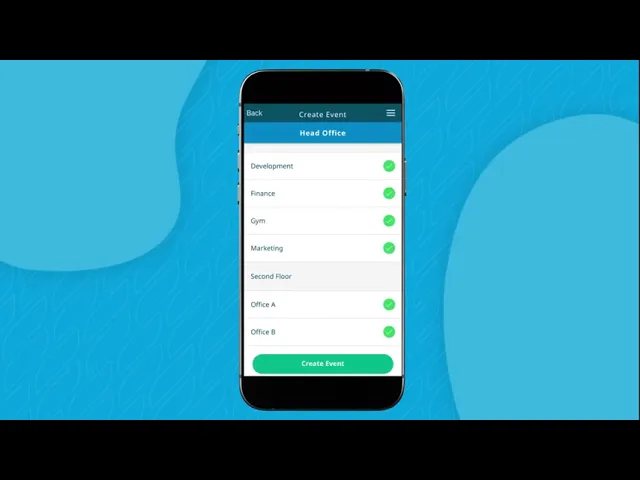
OnEvac marketing video showcasing an earlier emergency evacuation feature I designed.
Organisations needed a reliable way to support employees working alone or in remote areas. Existing safety tools were largely reactive, responding after an emergency had already happened. The challenge was to identify risk earlier, respond to missed check-ins and help workers get support quickly in safety-critical situations.
KEY ISSUE 01
Critical actions had to be fast
Workers needed to confirm they were safe or ask for help within seconds.
KEY ISSUE 02
Missed check-ins needed a timely response
A missed check-in needed to alert the right people before the situation became more serious.
KEY ISSUE 03
Workers needed control over location sharing
Workers needed control over when their location was shared.
KEY ISSUE 04
Responders needed the right information quickly
Responders needed immediate access to a worker’s status, location and key details when help was required.
I reviewed the lone-worker safety market to understand how existing products handled check-ins, emergencies and responder support. I used the findings to identify common patterns, gaps and the areas Safety Check-ins needed to address.
Competitive Research
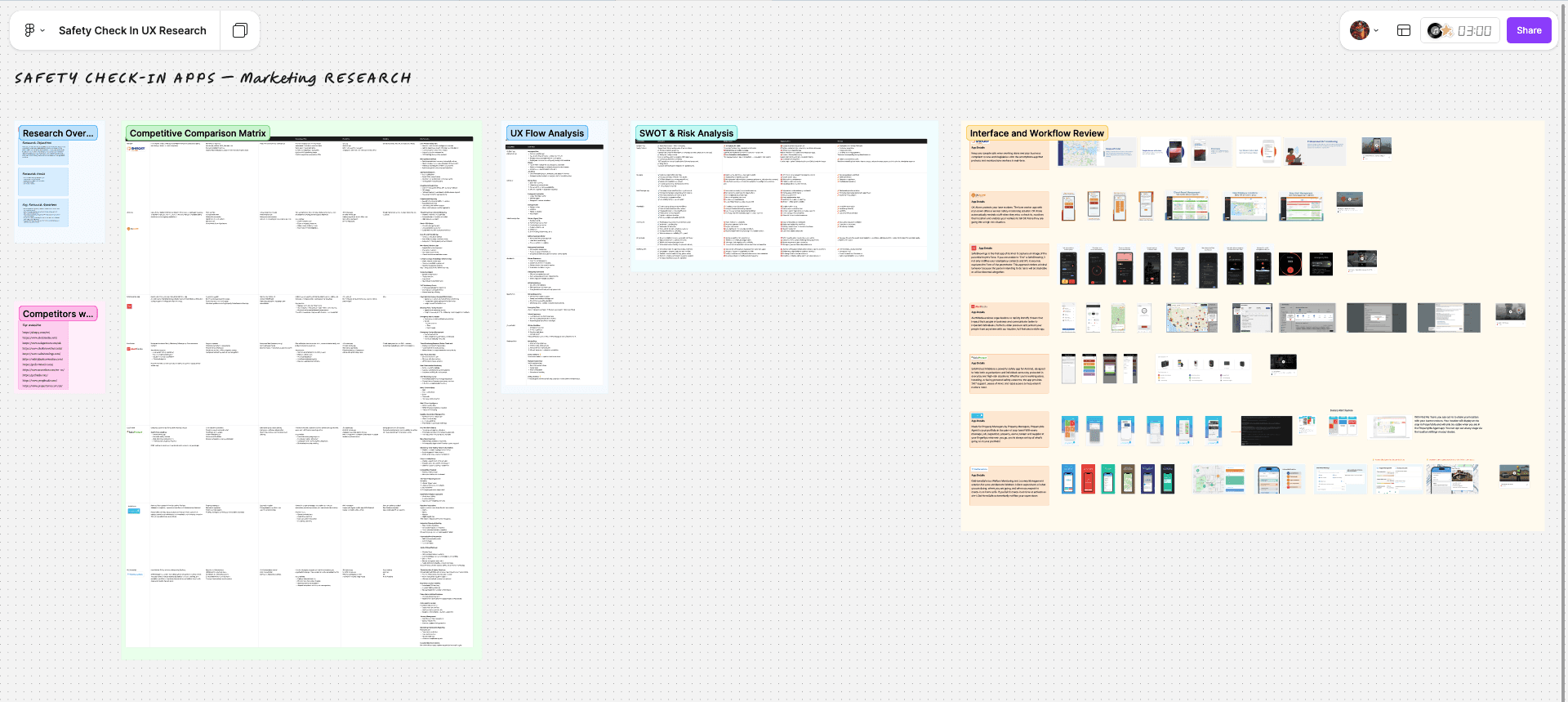
I compared seven lone-worker safety platforms across Australia, New Zealand and other markets, looking at features, workflows and interaction patterns. The research helped me understand what worked well, where products fell short and where Safety Check-ins could improve the experience.
Feature synthesis
I grouped similar features across seven lone-worker safety platforms to identify common patterns, gaps and opportunities for Safety Check-ins.

Design Strategy Workshop
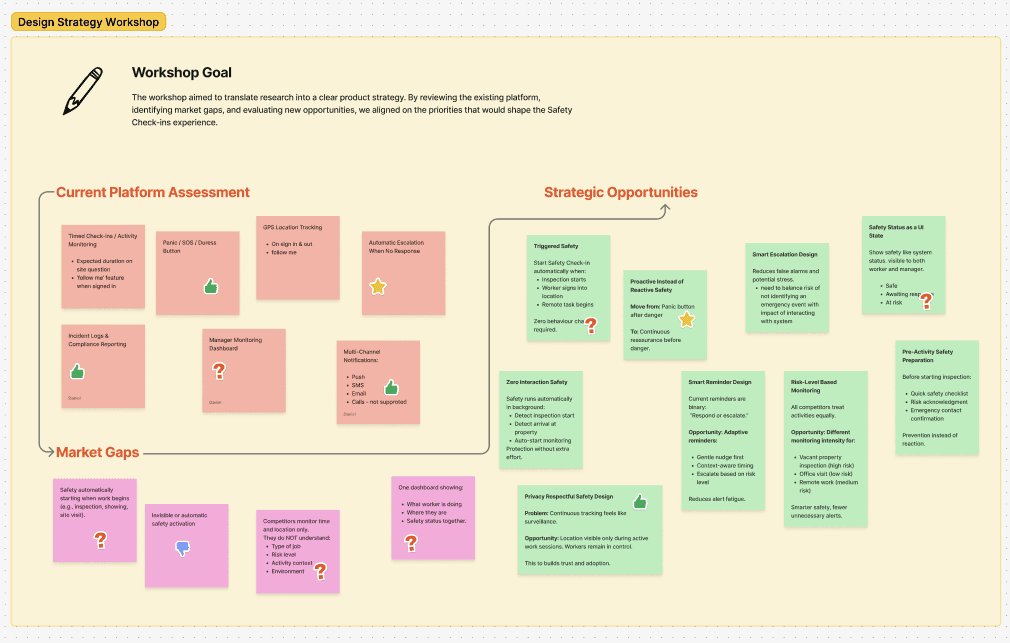
I worked with designers, engineers and key stakeholders to review the existing product, identify gaps and agree on the opportunities that would shape the first release of Safety Check-ins.
Mapping the end-to-end safety flow
I mapped the full safety flow across setup, active monitoring, worker responses and escalation. This helped define the key states, decisions and what should happen when a worker did not respond.

Prioritising the first release
I worked with other designers and engineers to define the first release, balancing user needs, safety requirements and technical feasibility.

Exploring safety-critical states
I used low-fidelity wireframes to explore the core journey, including setup, active check-ins, missed responses and emergency escalation before moving into detailed design.

I translated the safety model into a complete mobile and desktop experience, covering session setup, active check-ins, missed responses, SOS escalation and responder monitoring. I also designed faster access through widgets and Live Activities, then refined the experience through customer usability testing.
Making Safety Check-ins easy to start
I integrated Safety Check-ins into the existing OnLocation app, with quick access from the main navigation and Home screen.

Easy to access
Available from the main navigation alongside existing tools.

Start from Home
Workers could start a Safety Check-in directly from the Home screen.
Setting up a Safety Check-in
Workers could set up a Safety Check-in based on their activity, duration, risk level and location, while keeping the process quick.

Safety session setup
Review key settings before starting.

Activity type
Choose a common activity or add a custom one.

Duration
Use preset times or choose a custom duration.

Risk level
Select the level of risk for the activity.

Location sharing
Choose whether to share live location.

Work location
Confirm the work location for responders.
Supporting workers during an active Safety Check-in
During an active Safety Check-in, workers could see the remaining time, confirm they were safe, request help and contact responders.

Quick safety actions
Workers could see the remaining time, confirm they were safe with one tap, or access SOS at any time.

Progressive urgency
The timer became more urgent as time ran out.

Extend the check-in
Add more time without starting a new Safety Check-in.

View responders
See who is monitoring the session and contact them directly if needed.
Handling missed check-ins and emergency escalation
The flow gave workers time to respond, alerted responders when a check-in was missed, and provided clear next steps for getting help or confirming they were safe.

Grace period
A five-minute grace period gave the worker time to respond before responders were alerted.

Missed check-in
If there was no response, responders were alerted and the worker’s last known location was shared.

SOS countdown
A short countdown allowed workers to cancel an accidental SOS.

Safety confirmed
Workers could end the session or start another Safety Check-in.
Giving workers more ways to trigger SOS
Workers could trigger SOS in different ways, including device shake, quick actions and voice activation, depending on the situation.

Emergency trigger options
Choose how SOS is activated based on the situation.
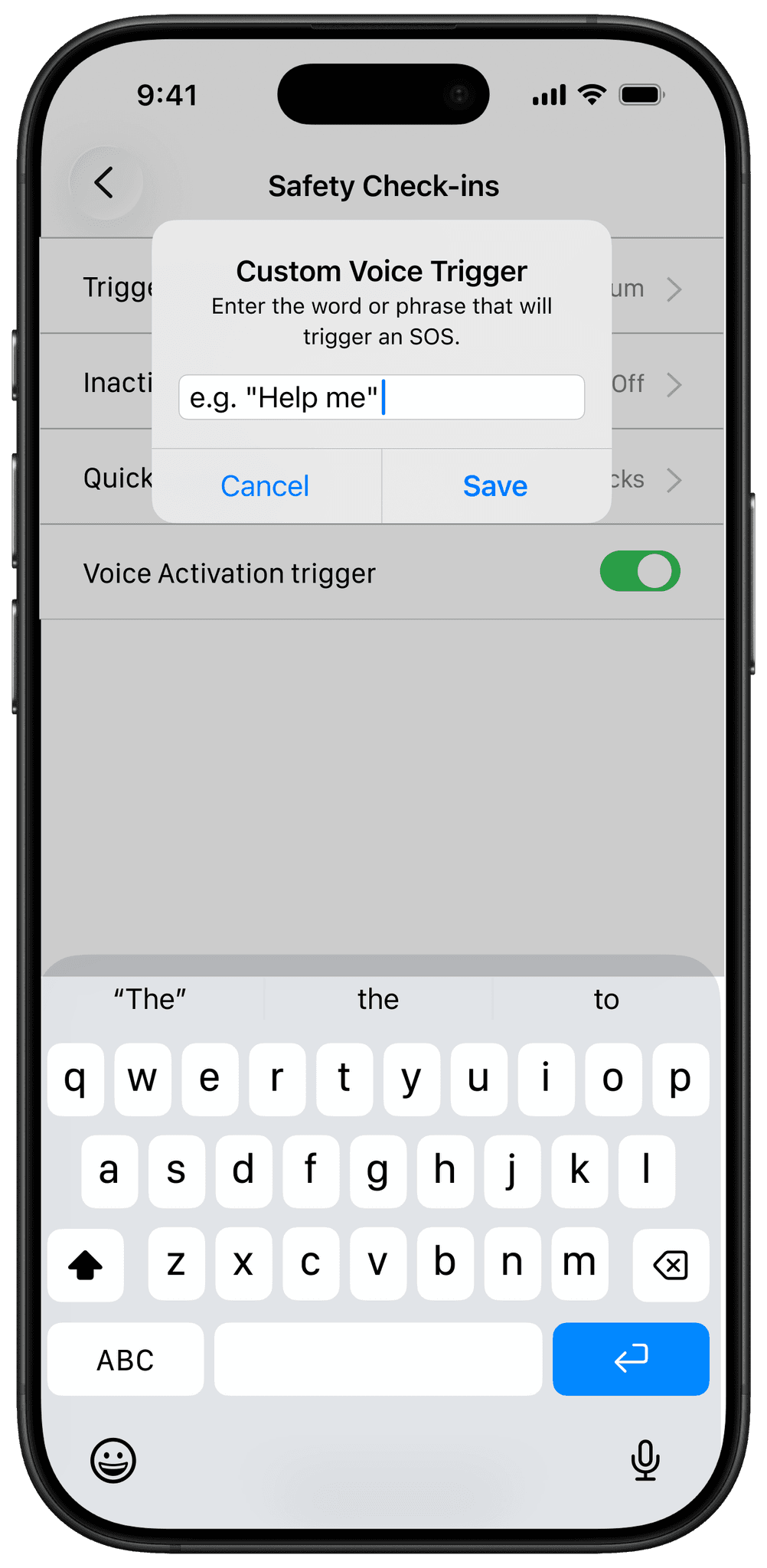
Custom voice trigger
Set a personal word or phrase to trigger SOS when using the phone is difficult.
Helping responders act quickly
When a check-in was missed or SOS was triggered, responders could see the worker’s status, last known location, contact details and notes in one place.

Keeping workers informed without opening the app
I designed Live Activities and Home Screen widgets so workers could see their check-in status and urgent alerts without opening the app.


Testing and refining with customers
I tested Safety Check-ins with five OnLocation customers. Their feedback was positive and led to three changes before development.
01
Extend an active check-in
Added an option to extend the session when work ran over.
02
Quick access to responders
Added responder contact details for faster access to help.
03
Faster emergency response
Added a direct emergency-call action during SOS.

Safety Check-ins responded directly to customer demand, adding a new proactive safety feature to OnLocation. It expanded the product’s value for existing customers and strengthened its proposition for prospective customers.
Reflection
Designing a safety-critical product changed how I think about accessibility and inclusive design. I focused on making critical actions easy to find and use when people may be under pressure, including large tap targets for workers wearing gloves and a countdown timer that could be understood at a glance. It reinforced the importance of designing for different abilities, environments and situations from the start.
What’s next
MRI ONLOCATION
Redesigning Visitor Pre-registration
Redesigned a fragmented enterprise workflow across web and mobile, making visitor registration easier to start, manage and scale.
FULL REDESIGN
WEB + APP
DESIGN SYSTEM
+287%
Visitors
+13.1 pts
Visitor adoption
Featured
Quarterly product release

